Matlab 2016a
Refer to section 2.3.1 for detailed GUI based installation of Scilab and section 2.3.1 for octave. Freemat is also an alternative. MATLAB 2016a can be downloaded from http://ftp.cc.iitk.ac.in/Linux/Matlab/.Decompress the archive
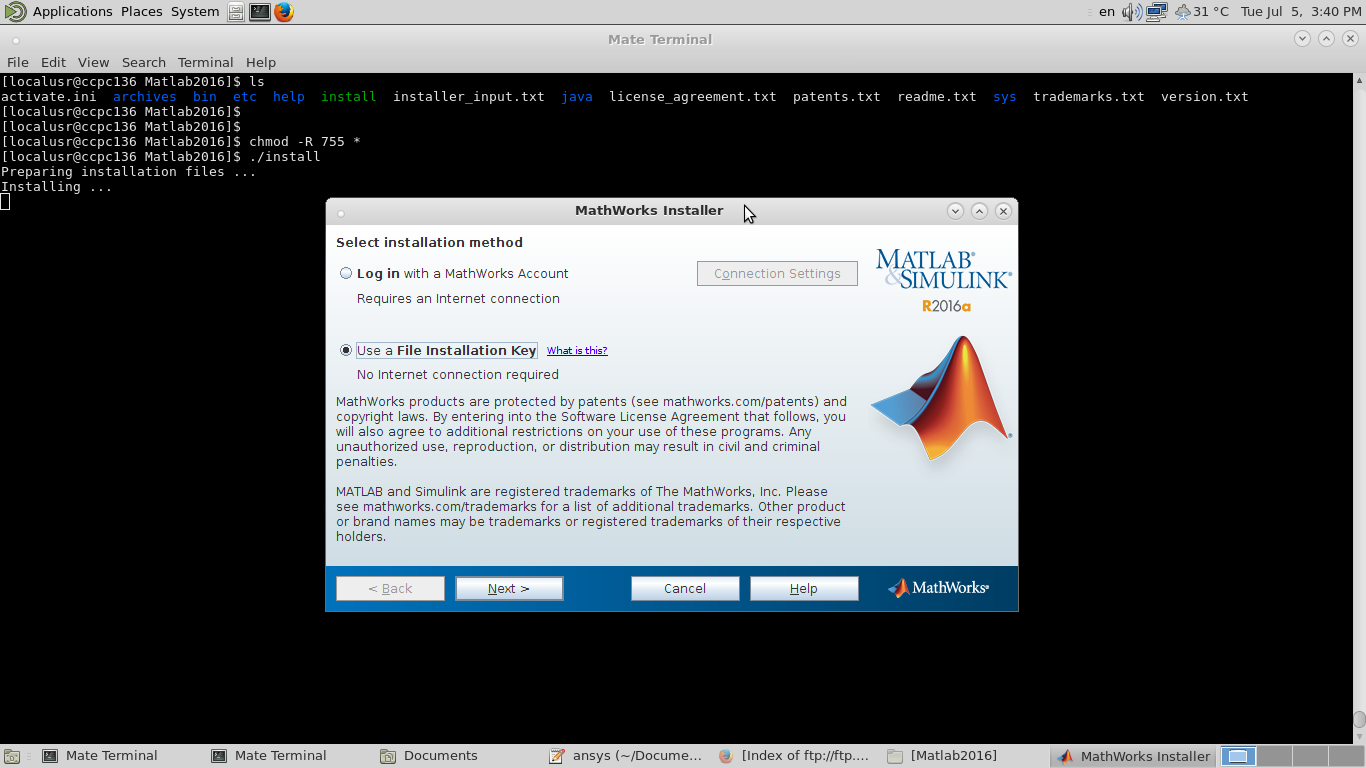
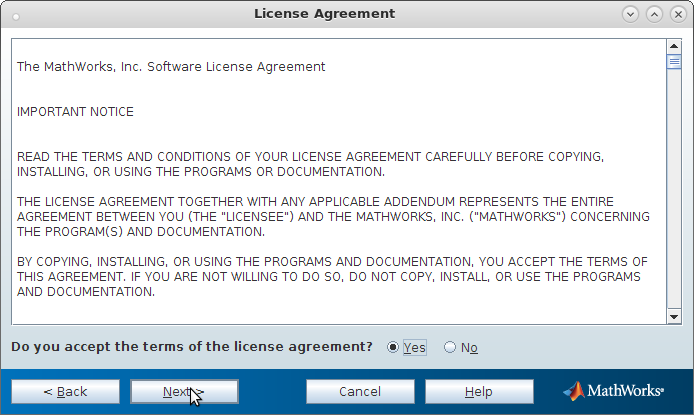
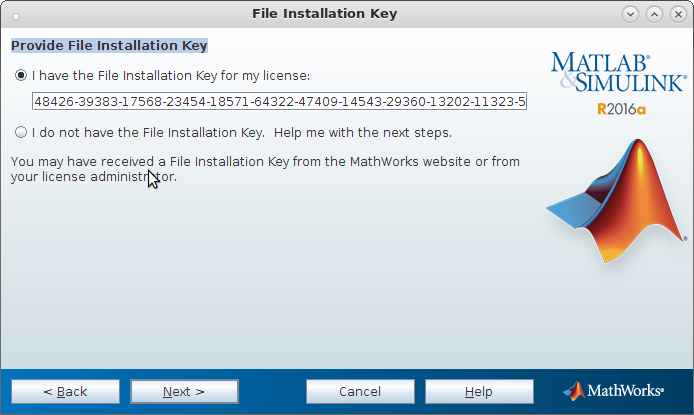
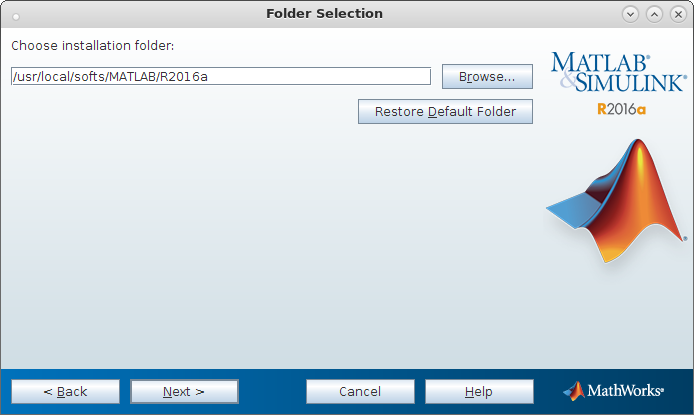
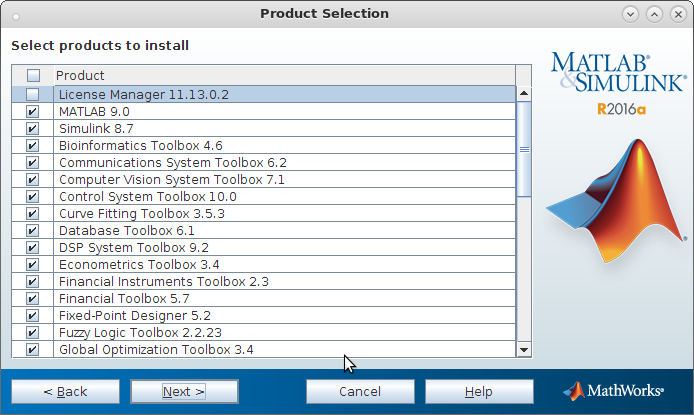
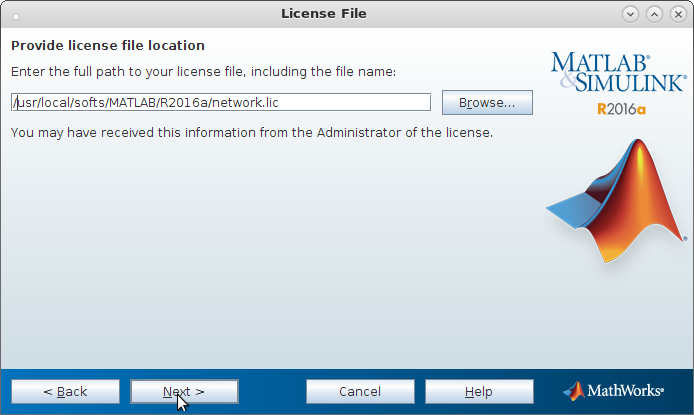
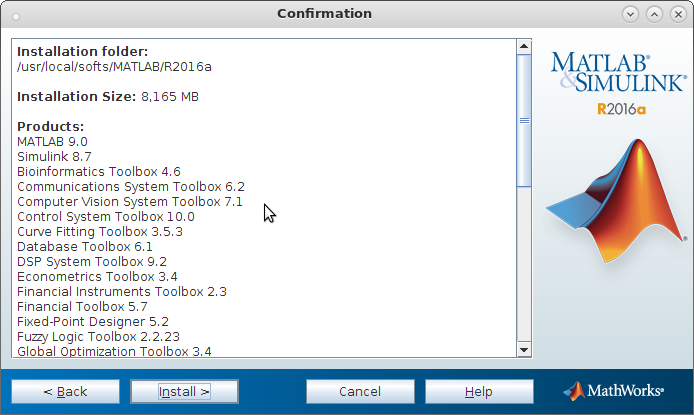
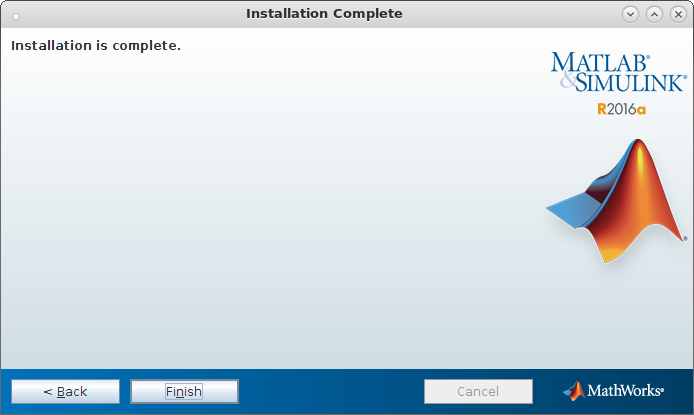
- Follow the figures to install MATLAB..
Get the installation key from http://ftp.cc.iitk.ac.in/Matlab/Matlab2016a/key.txt
Provide the location where MATLAB will be installed.
Select only the required tools, deselect the license manager.
Download the network license (network.lic) file from http://ftp.cc.iitk.ac.in/Matlab/Matlab2016a/